> ReadOnly Studios / Games / Droning On

Write Python-like code. Solve puzzles. Guide Gizmo._

A programming puzzle game where every level is solvable with real code — no pseudocode, no drag-and-drop, no training wheels.

16 followers Windows · macOS · Linux Coming March 2028
01 — About the game

A puzzle game that respects your intelligence.

Droning On runs on a language that looks and feels just like Python. You're not flipping switches or dragging block icons around — you're writing real code against a custom interpreter modeled on Python, then watching Gizmo execute it.

Whether you're learning to code from zero or you've been shipping production code for a decade, the challenges meet you where you are. Every level is solvable in multiple ways. Cleverness is rewarded; verbosity isn't punished.

Python-like syntax 3 modes + sandbox Global leaderboards Solo · single-player
10 You Spin Me Round.py ×
1
2
3
4
5
6
move_result = move(MoveDirectionEnum.Forward)
while True:
    move_result = move(MoveDirectionEnum.Forward)
    if move_result == False:
        turn(TurnDirectionEnum.Left)
    pass
02 — What's in the box

Three modes, a sandbox. One language. Zero hand-holding.

9 things you'll find →
02 · bootcamp

20-level campaign.

Starts at basic movement, builds to functions, arrays, and algorithmic thinking — with new mechanics added along the way. Stuck? Each level contains a three-tier hint, there if you want it.

03 · external editor

Bring your own editor.

Scripts live as plain .py files. Edit them in-game, or in VS Code, PyCharm, whatever you like — save, and Gizmo picks up the change live.

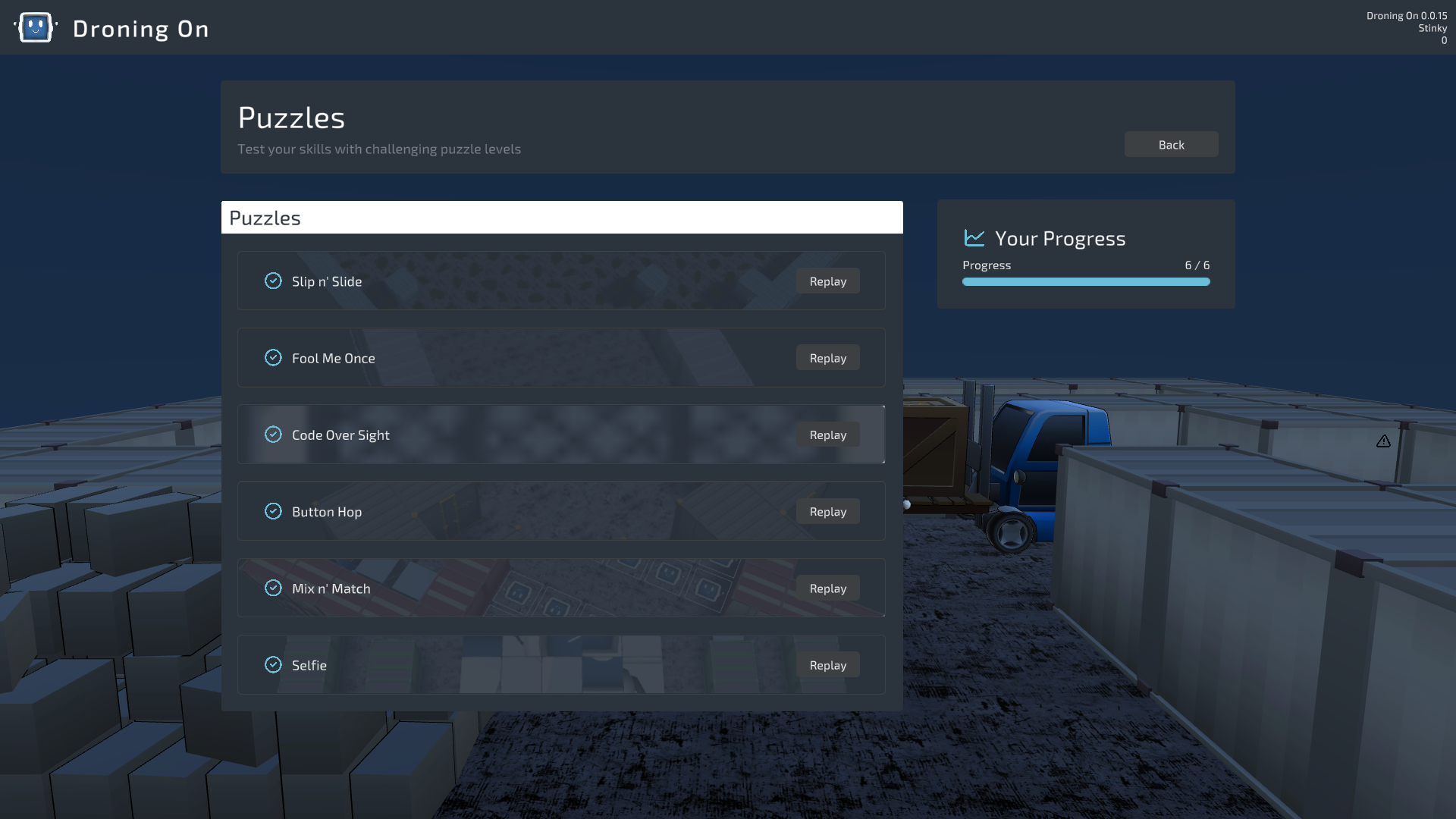
04 · puzzle mode

Non-traditional challenges.

Sliding tiles, memory-match cards, hidden traps, slippery oil slicks. Each one bends the rules a little.

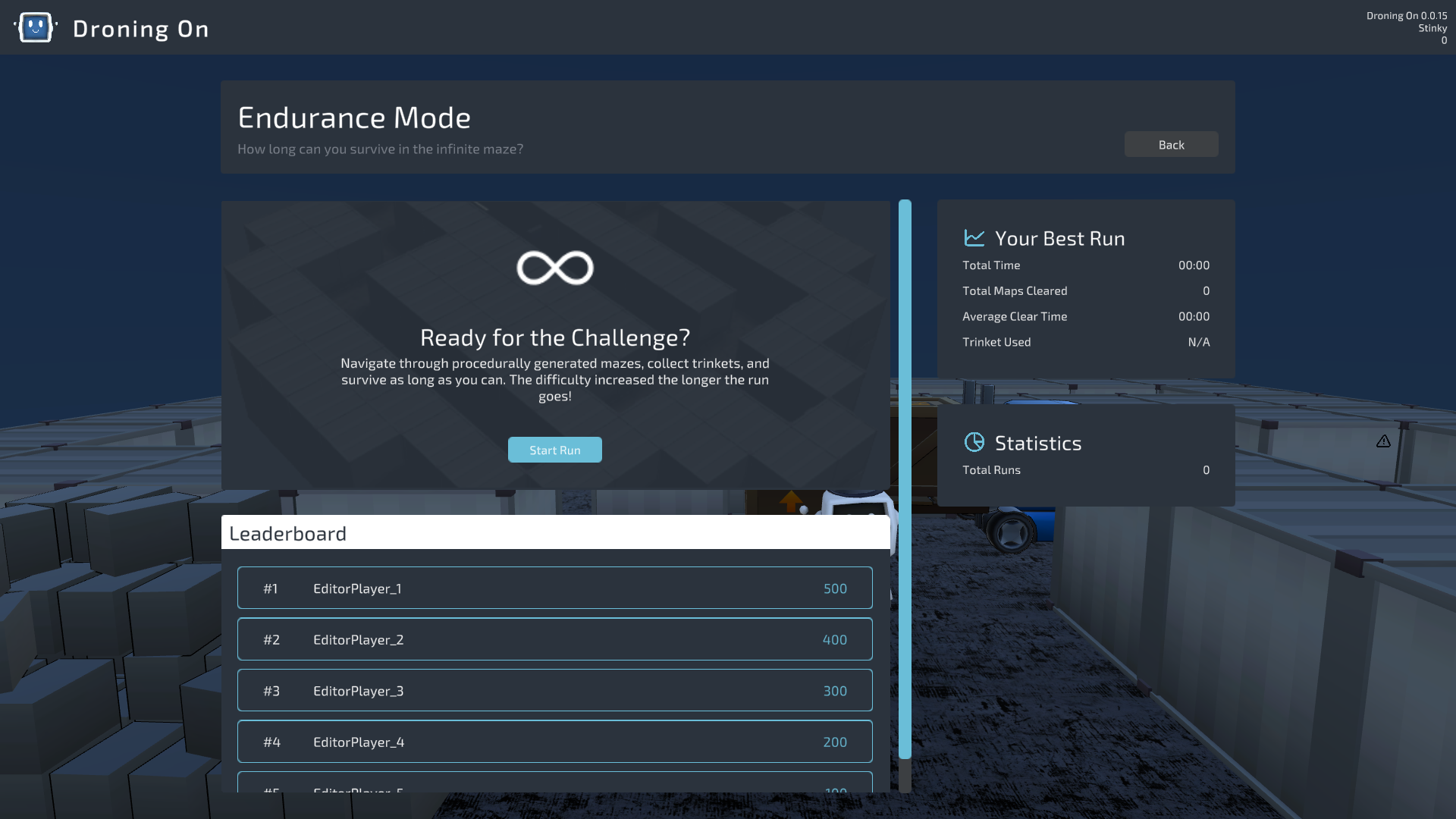
05 · endurance

Infinite procedural mazes.

Procedurally generated runs with escalating difficulty. Collect Trinkets, survive, climb the global boards.

06 · sandbox

A playground for tinkerers.

Every hazard and interactable laid out for inspection. Resettable challenges. A theater area with green-screen modes.

07 · leaderboards

Boards on every stage.

Every stage across every mode has its own leaderboard. Track personal bests, compete with friends.

08 · multiple solutions

There's no one right answer.

That's the fun of programming — no two solutions have to look alike. Brute force or one-liner, the only judgement is whether your code runs.

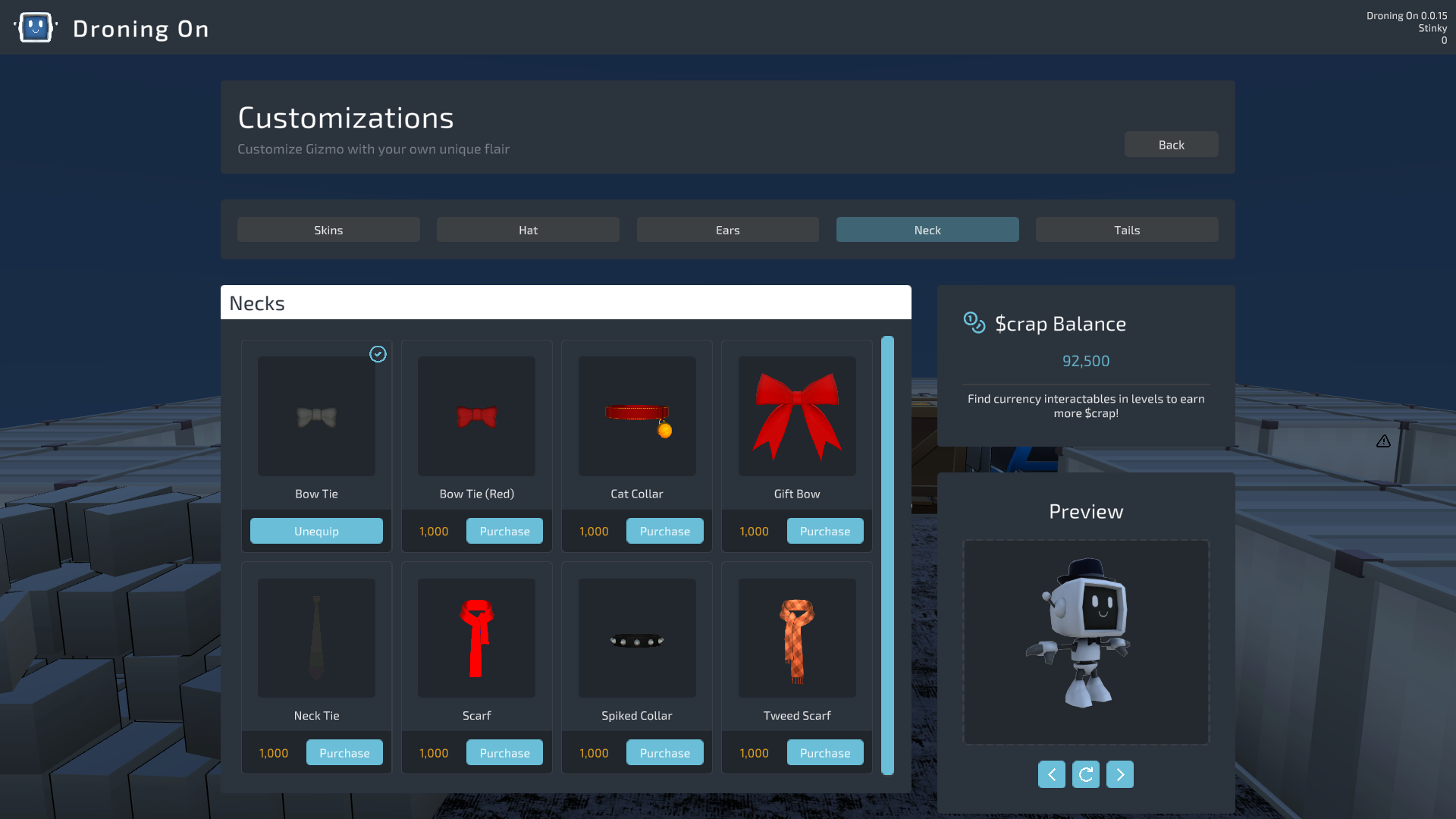
09 · cosmetics

Customize Gizmo.

Earn $crap to unlock skins, hats, ears, neckwear, tails. Cosmetic-only, cross-mode.

03 — Screenshots

Real levels. Real code. Real consequences.
View all on Steam →
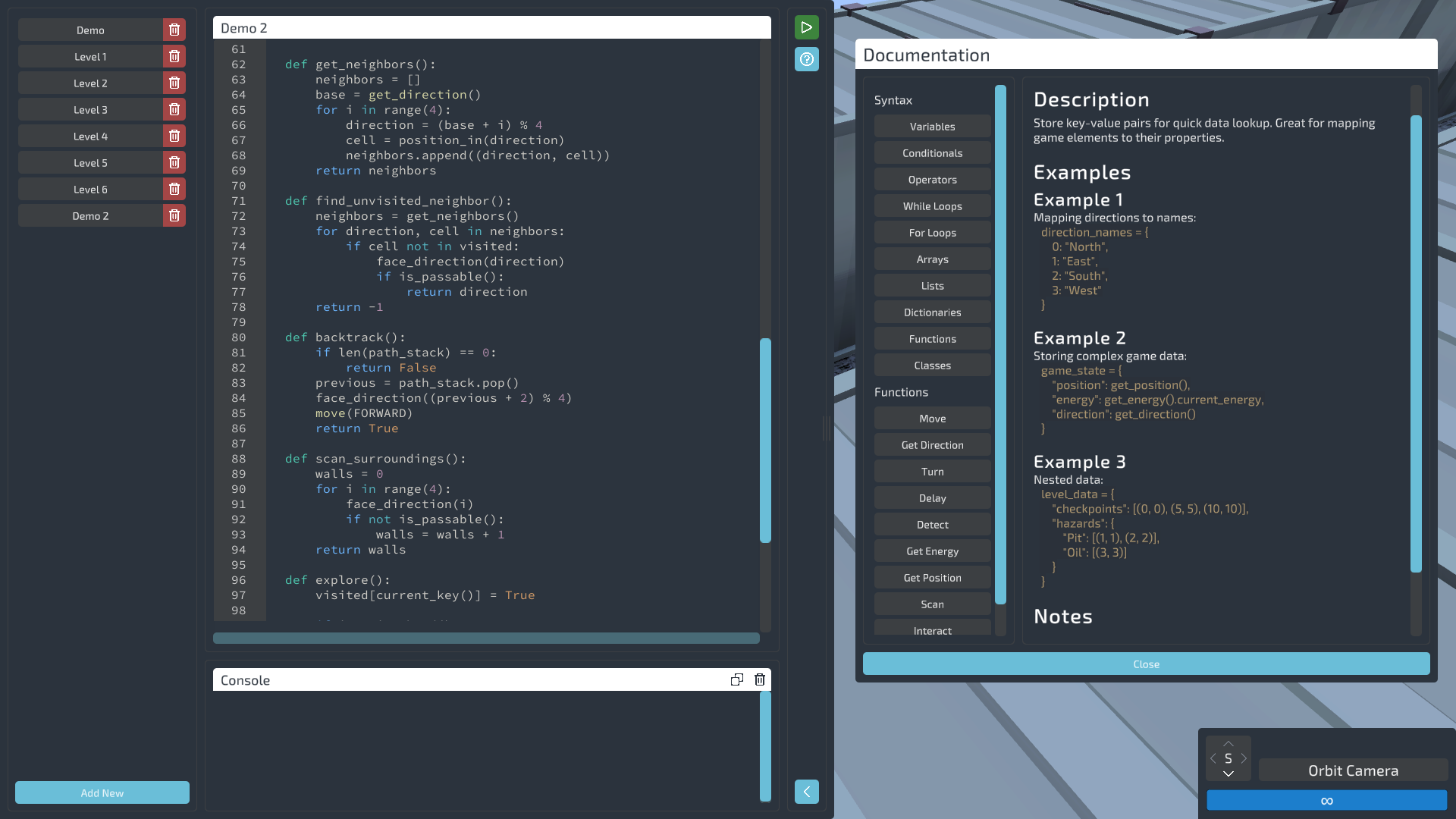
Code editor with in-game documentation
editor · docs
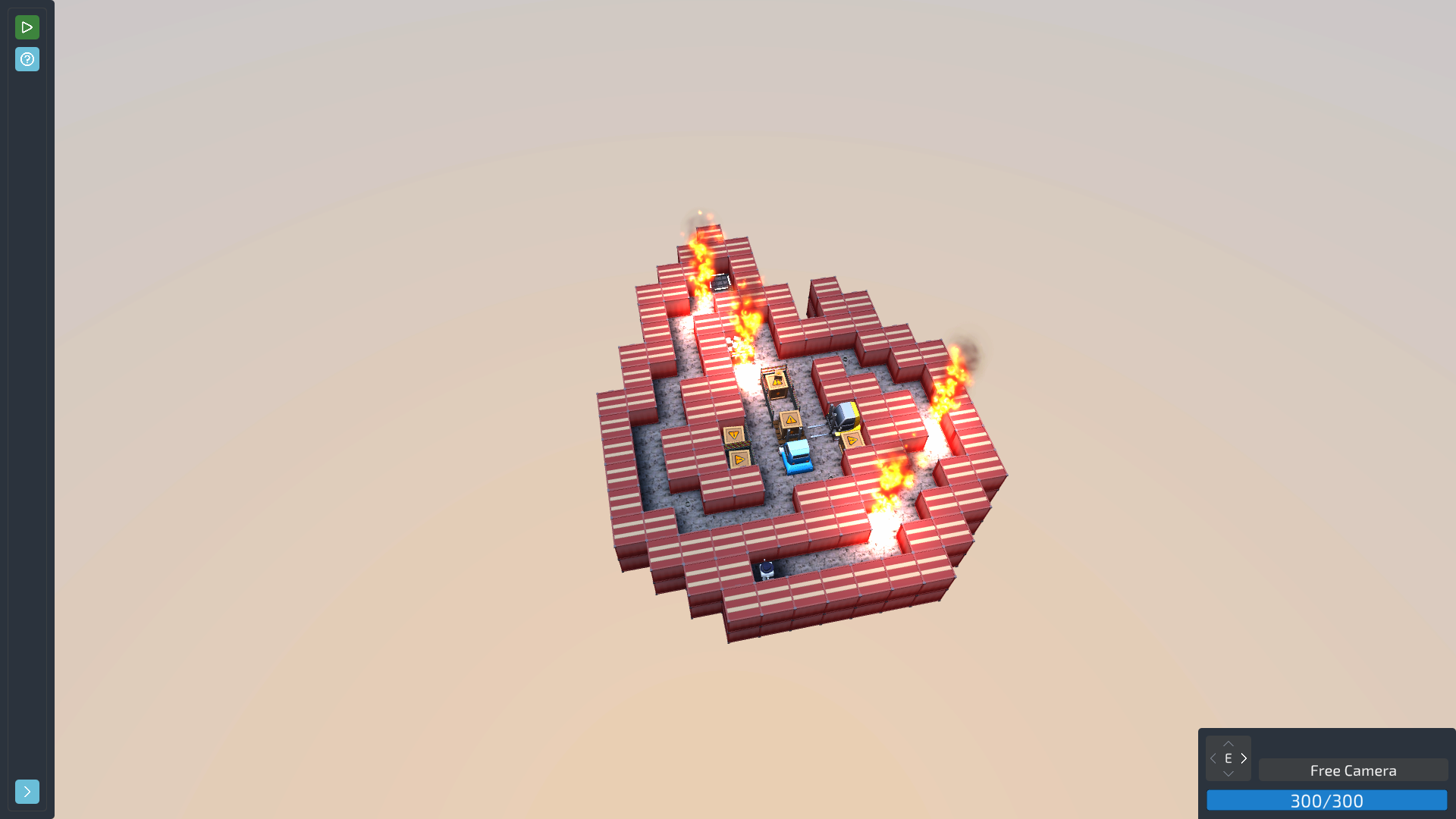
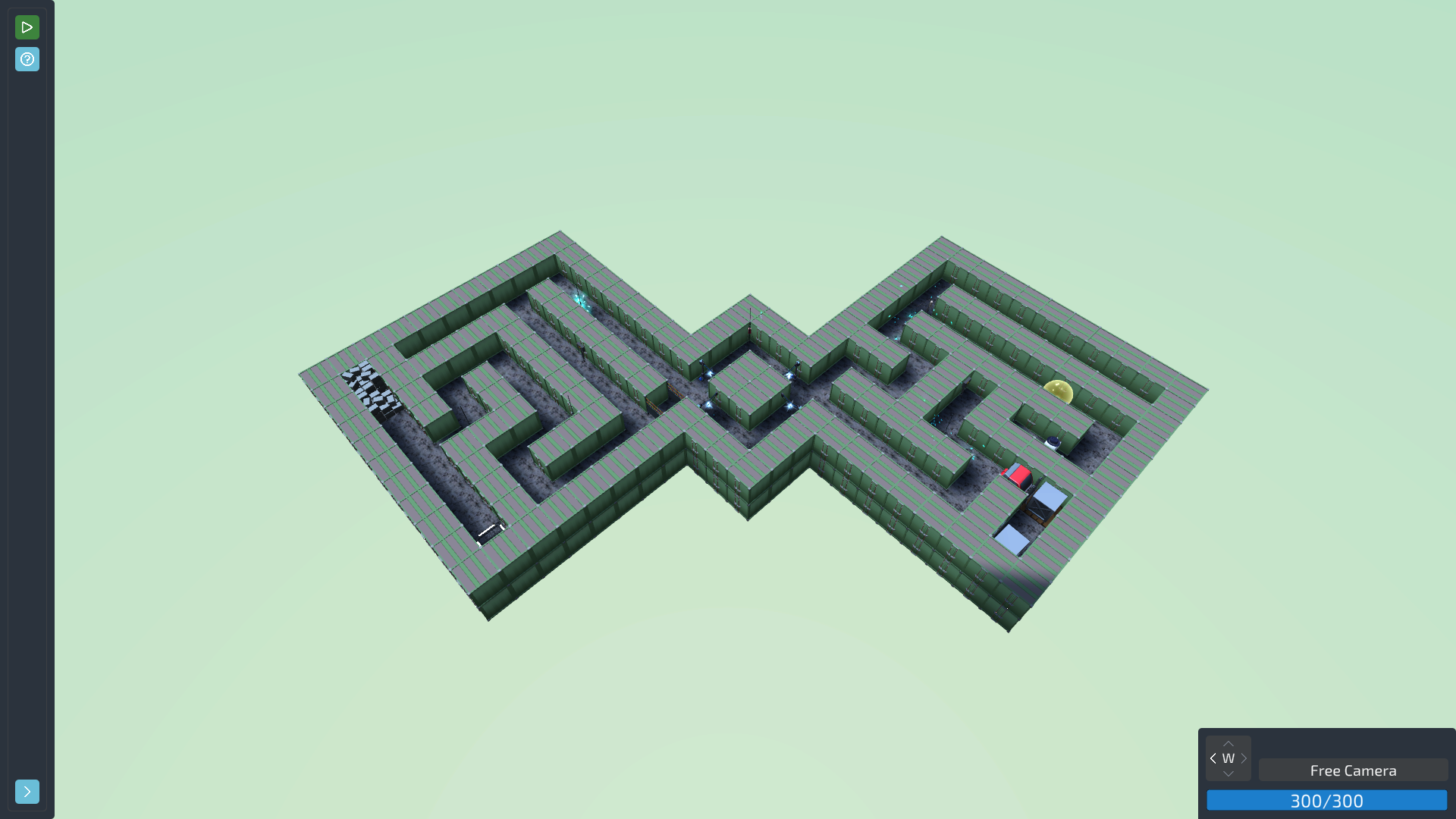
Fire maze level
level · fire maze
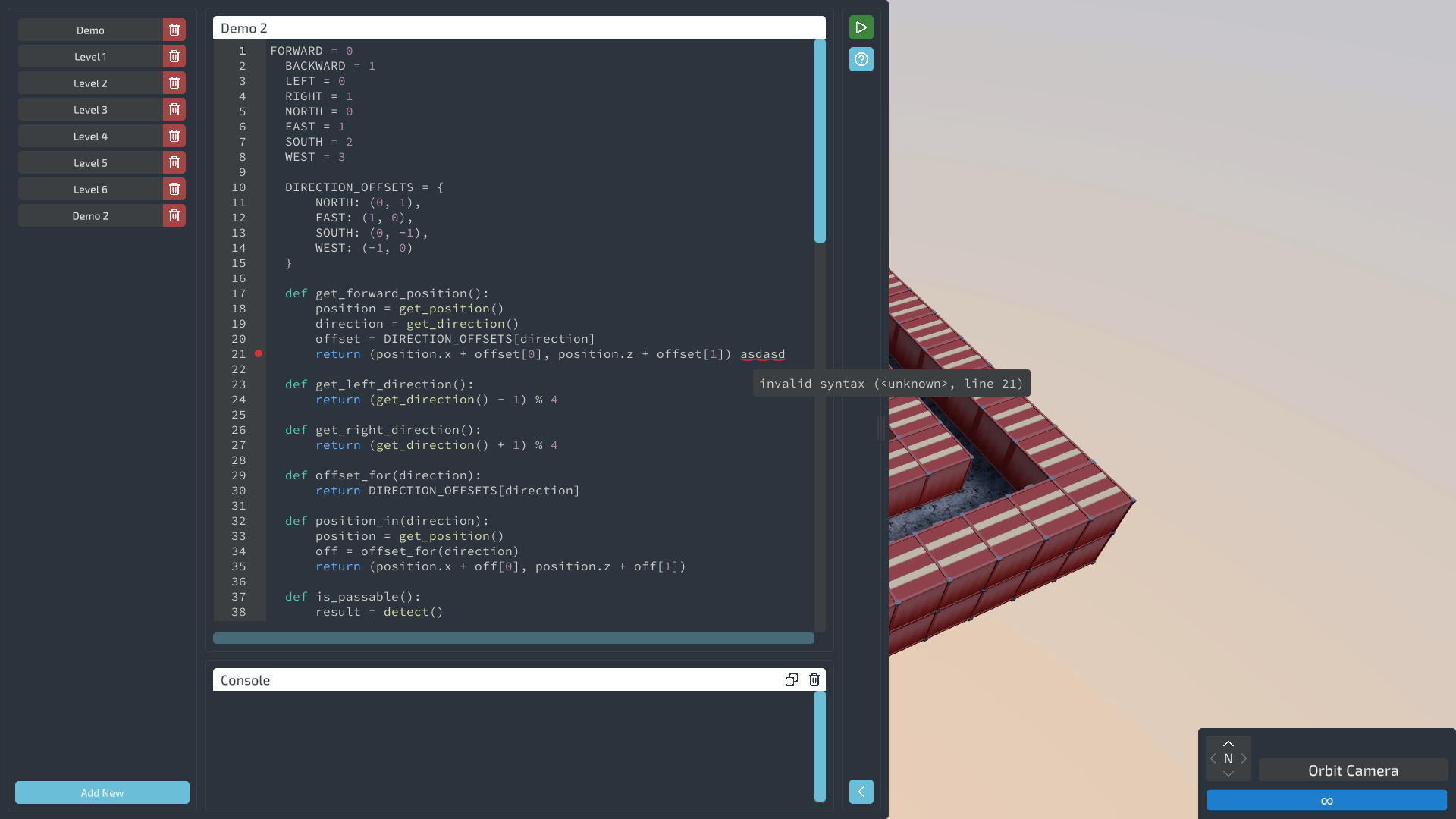
Code editor showing error feedback
editor · error
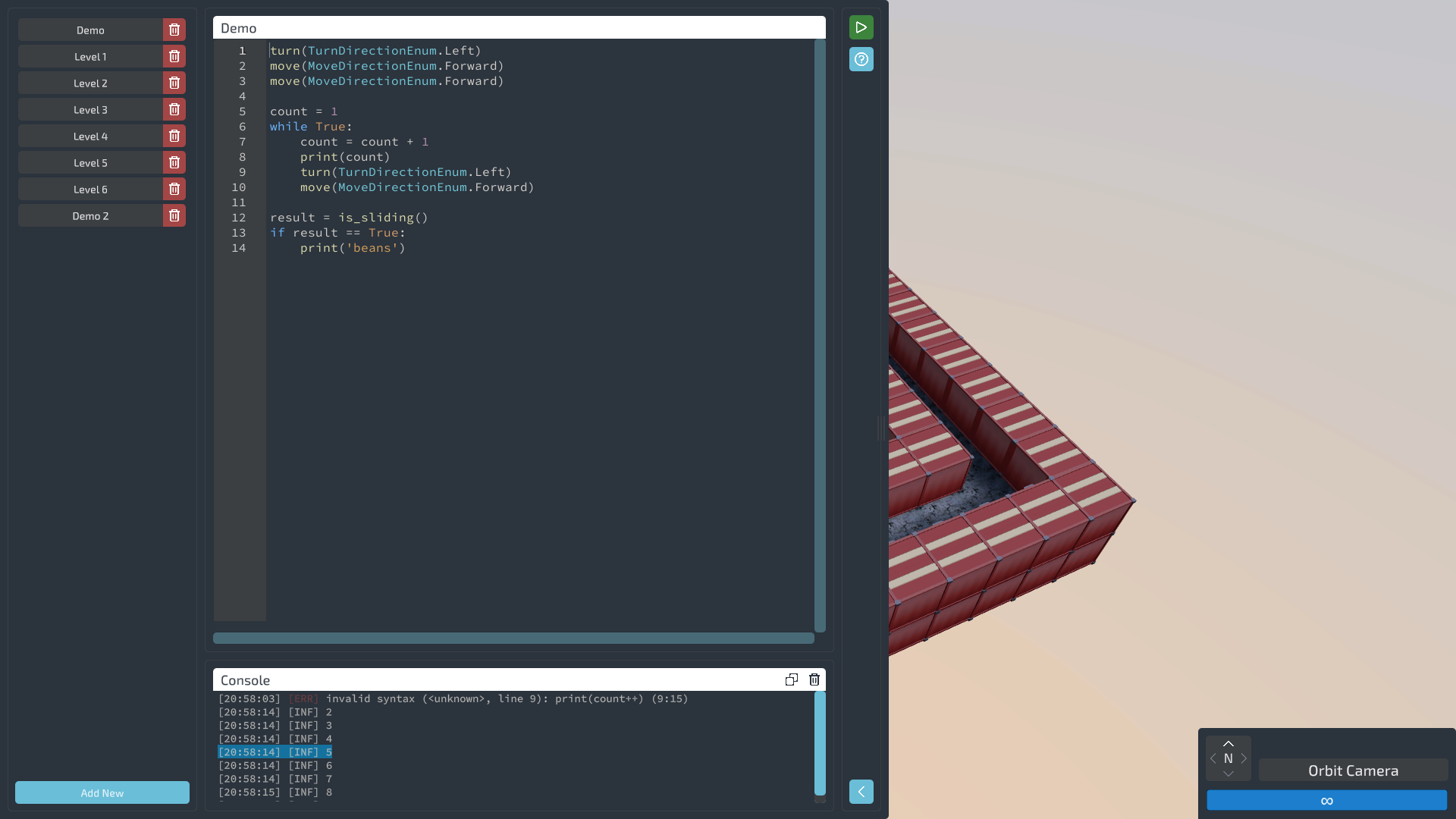
Code editor with console output
editor · console
Fortress level
level · fortress
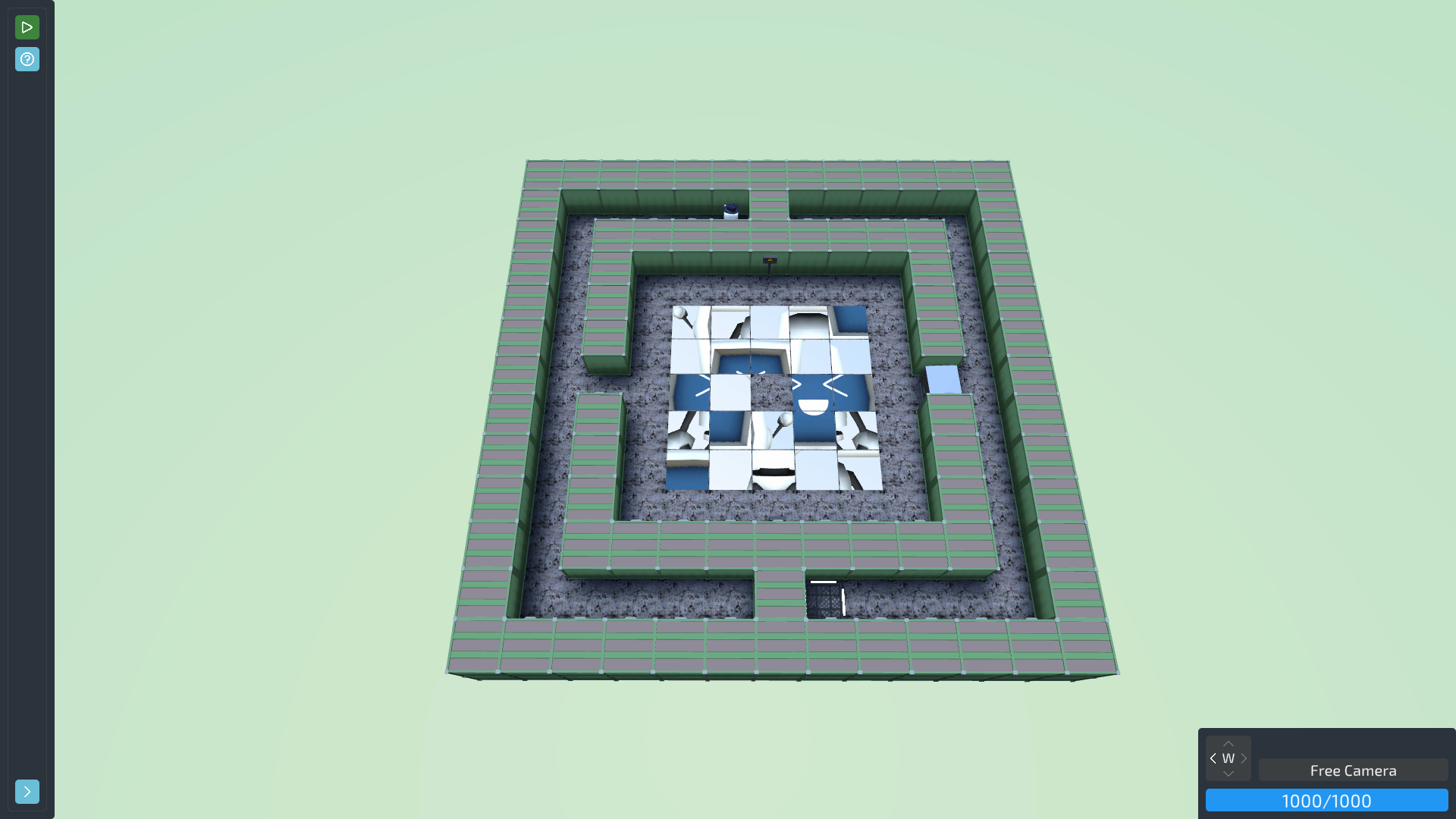
Green hedge maze level
level · green maze
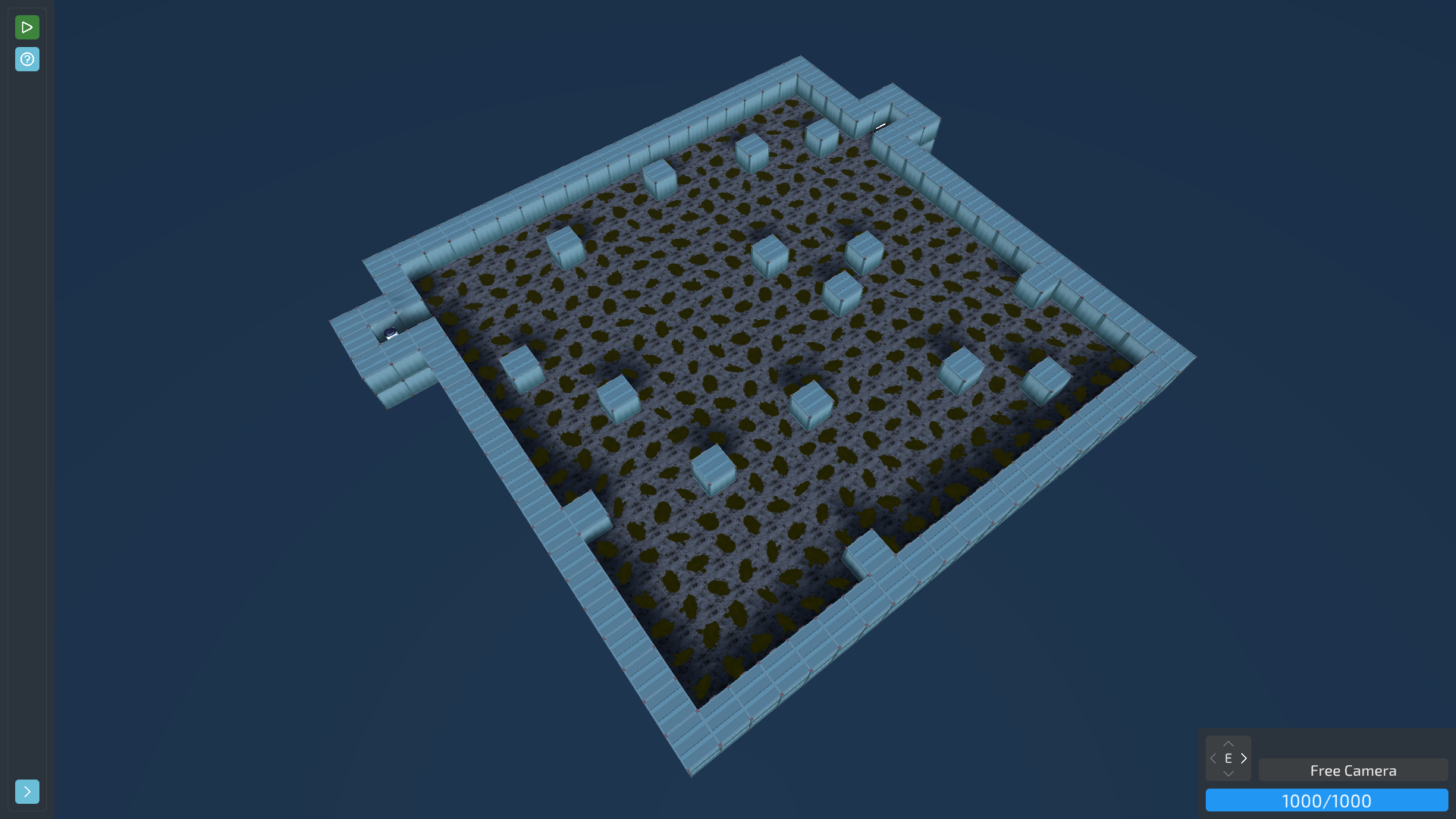
Dark grid level
level · dark grid
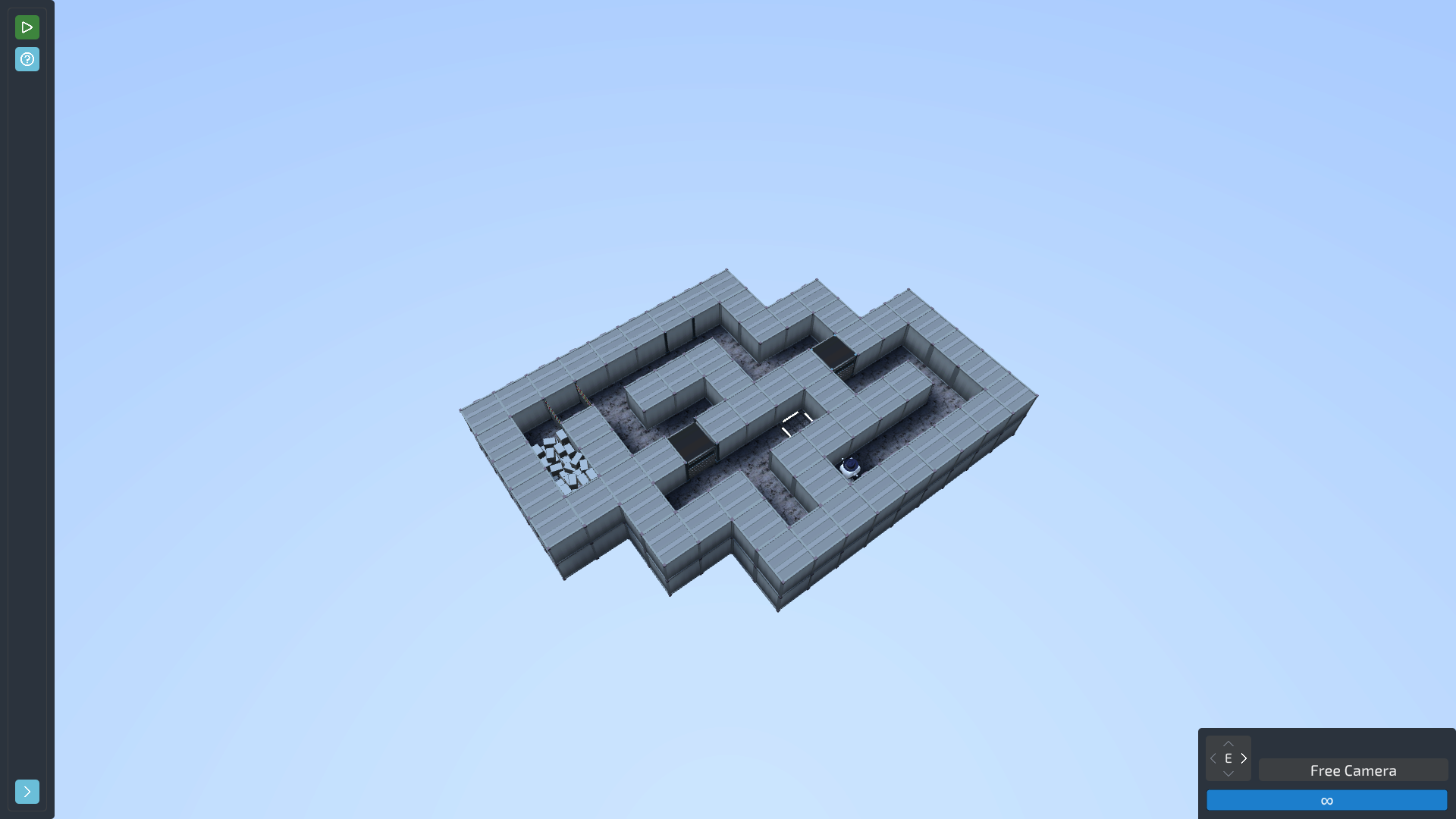
Blue maze level
level · blue maze
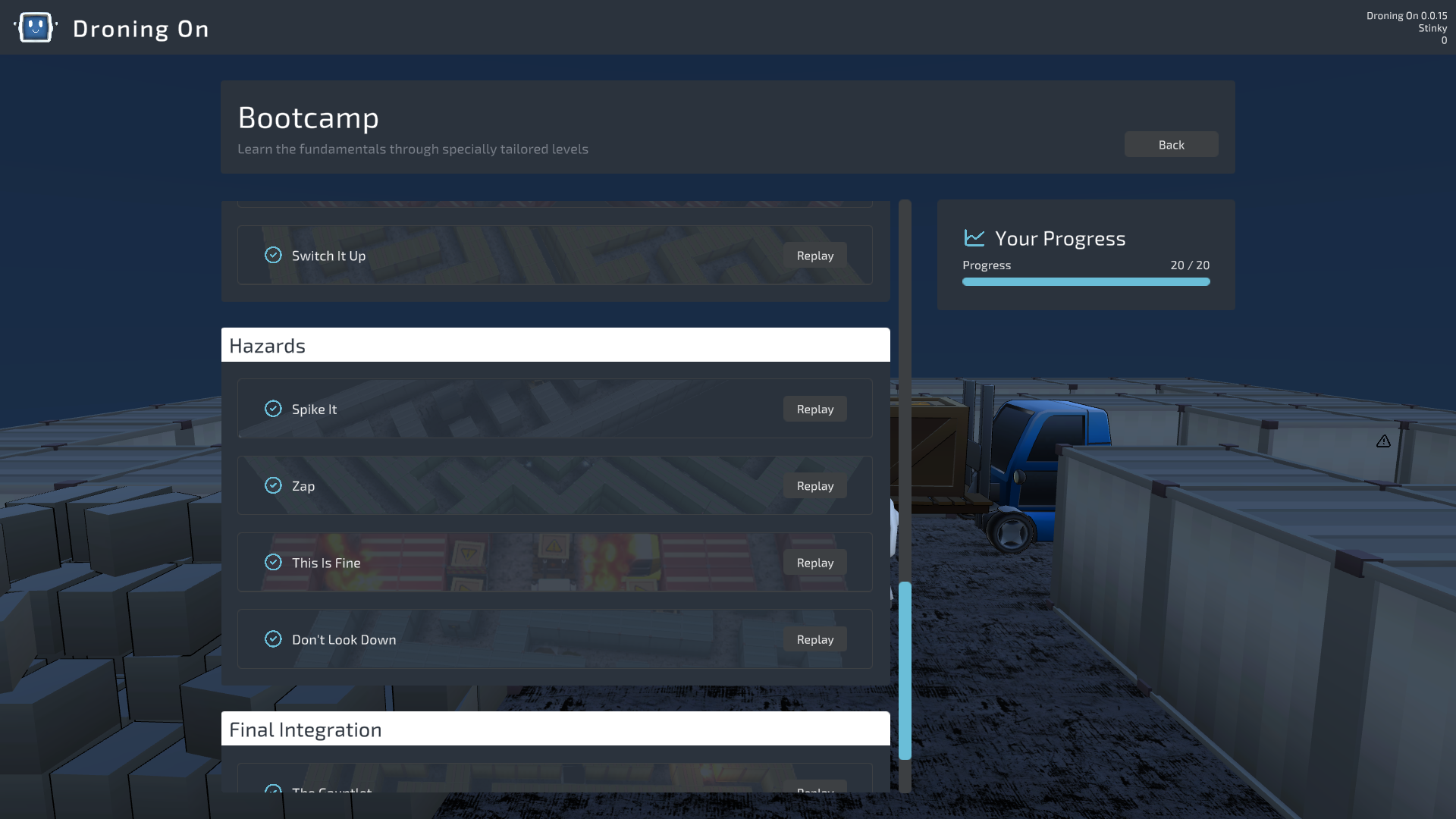
Bootcamp mode menu
menu · bootcamp
Endurance mode menu
menu · endurance
Puzzle mode menu
menu · puzzles
Gizmo customizations menu
menu · customize
04 — FAQ

Frequently asked.

Do I need to know Python? +
Nope. The early Bootcamp levels introduce programming concepts from scratch. If you can type, you can play. Experienced coders will find plenty to chew on later in Endurance and Puzzle modes.
Is it actually Python? +
It looks and feels just like Python — same syntax, same structure, same nomenclature. You get the constructs you'd actually reach for: functions and classes, loops and conditionals, lists, dicts, sets and tuples, list comprehensions, f-strings, and try/except error handling. Under the hood it's a custom interpreter we built from scratch, modeled on Python's behavior — so what you learn here transfers cleanly to the Python you'd write anywhere else; the runtime is just ours. Your scripts live as plain .py files, so your editor highlights them like any other Python.
Can I use my own code editor? +
Absolutely. Every script is a plain .py file on disk. Write it in the in-game editor, or open it in VS Code, PyCharm, or whatever you live in — with live reload, Gizmo picks up your changes the moment you save. Since the files are plain Python, your editor treats them like any other .py. And if you live in VS Code, we made a Droning On syntax-highlighting extension that adds highlighting and autocomplete for Gizmo's API — moves, turns, scans, and the enums.
What age is this for? +
Anyone who can read and think logically. There's no age gate on problem-solving.
Is this an educational game? +
It teaches real programming, but it's a game first. No quizzes, no grades, no "great job!" popups. You learn because the challenges demand it, not because we lecture you.
What if I get stuck? +
Every Bootcamp level has a built-in, three-tier hint system that you control. The first tier points at the concept, the second sketches the approach, the third shows a working solution — you decide how far to peel it back. Puzzle and Endurance have no hints; once you've graduated Bootcamp, you're on your own. You can always try Discord and see if anyone can help!
How much is there to play? +
Three modes and a sandbox. Bootcamp is a 20-level campaign that ramps from your first move() up through functions, classes, and algorithms. Puzzle Mode is 13 standalone challenges that don't play by the usual rules. Endurance is procedurally generated and effectively endless — it scales until your code or your energy gives out, with global leaderboards on every stage. The Sandbox is there for free experimentation, plus there's a wardrobe of cosmetics to earn along the way.
What platforms? +
Windows, macOS, and Linux — all via Steam. Wishlist now to get notified at launch.
Gizmo's face isn't showing up on Linux. Help? +
Droning On uses decal rendering that requires Vulkan on Linux. If decals (Gizmo's face, the yellow hazard stripes in Sandbox) aren't showing, your system is falling back to OpenGL, which isn't supported. Update your graphics drivers — mesa on Intel/AMD, the proprietary driver on NVIDIA. If you're on Snap Steam, switch to the Steam .deb package or the Flatpak version for better native-game compatibility.
Why aren't my runs appearing in the leaderboards? +
Leaderboard runs are submitted online, so a few things have to line up:
  • You need an internet connection. Scores are uploaded through our servers, not written from your machine. Finish a run offline and the game keeps your best, then submits it automatically the moment you reconnect — usually within a minute, and you don't have to replay anything.
  • Steam has to be signed in. Submissions are tied to your Steam identity. Playing in Steam's Offline Mode (or with Steam signed out) means a run can't be verified until you're back online.
  • VAC and game bans can't post. Accounts with a VAC ban, or a game ban on Droning On, are blocked from the boards. That's by design and isn't something we can lift.
  • Only your personal best shows. Each stage keeps your single best run, so a slower attempt won't replace an entry you've already beaten — that's not a bug.
  • Give it a moment. Submission isn't instant — the game checks for unsubmitted bests every ~30 seconds, and Steam takes a little while to reflect new entries. If a run still hasn't appeared after a restart, hop into our Discord and we'll take a look.

Curious what we store when you submit a run? Our privacy policy spells out exactly what the leaderboard service collects and why.

05 — Community & devlogs

Follow along.

One button. One next step.

Free to wishlist. Get a Steam notification the day it launches.

Wishlist on Steam
Windows · macOS · Linux · Coming March 2028 · ReadOnly Studios